Recommended starting pointQuick or Advanced
Universal Prompt Generators
Not sure where to start? Choose Quick for a guided prompt or Advanced for full control across almost any topic.
Open the Universal Generator
Choose the right generator for your task
Already know your task? Choose a focused generator, add your context, and create a ready-to-use prompt for ChatGPT, Claude, Grok, or another AI assistant — then put it to work right away.
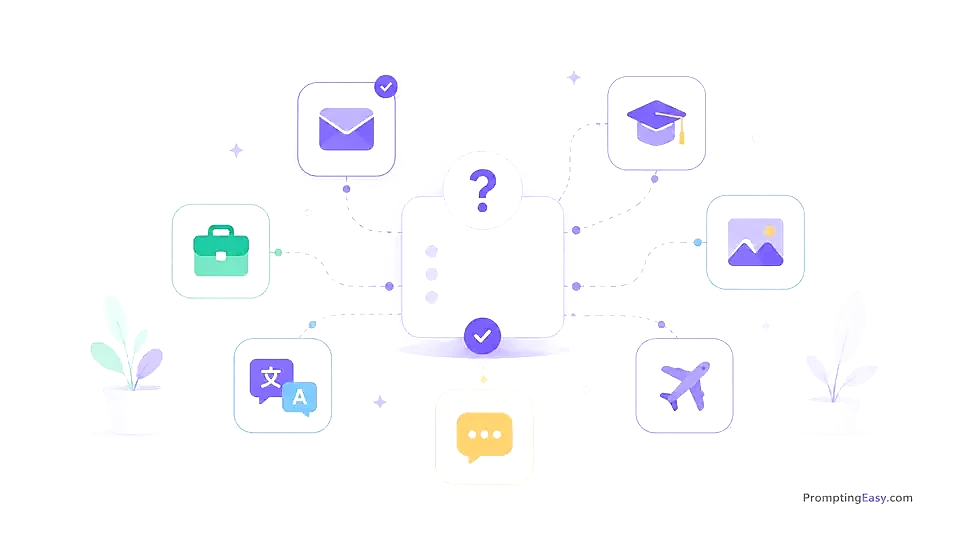
Choose a focused generator below. Each one helps you add the right task, context, tone, audience, and output format instead of starting from a blank prompt.
Not sure where to start? Choose Quick for a guided prompt or Advanced for full control across almost any topic.
Open the Universal GeneratorCreate clearer emails, replies, letters, complaints, apologies, and polished everyday writing prompts.

Create study prompts for explanations, summaries, homework understanding, quizzes, flashcards, and exam plans.

Create travel prompts for city trips, itineraries, routes, packing lists, cheap activities, and food stops.

Build better CVs, cover letters, interview preparation prompts, and honest job application drafts.

Create image prompts for product photos, logos, social visuals, portraits, scenes, infographics, colors, and text labels.

Build translation, grammar, localization, and language improvement prompts for multilingual text.

Generate short, natural prompts for WhatsApp replies, apologies, reminders, customer messages, and negotiations.

Create recipe, cheap meal, shopping list, leftover, and weekly meal plan prompts based on real ingredients.

Create prompts for customer replies, offers, product descriptions, reviews, social posts, complaints, and FAQs.

Create prompts to explain documents, summarize forms, draft formal letters, prepare replies, and list questions.

Create practical prompts for budgets, expense tracking, shopping plans, saving goals, debt organization, and cost reduction.

Examples
Good prompts are not better because they are longer. They are better because they include the right context, goal, and output format.
“Write an email.”
Task: write an apology email to a customer. Tone: professional. Length: under 120 words. Include one clear next step.
A usable customer support email instead of a generic draft.
“Plan my trip.”
Task: create a realistic city-trip itinerary. City: Rome. Duration: 3 days. Travelers: 2 first-time visitors. Budget: medium. Interests: food, history, walking. Avoid rushed schedules.
A practical itinerary with realistic days, routes, and stops.
“Help my business.”
Task: create a product description. Customer: first-time buyers. Tone: simple and trustworthy. Format: hook, benefits, CTA.
Clearer product copy that is easier to publish or improve.
Quality checklist
Prompt generators help you start faster, but the result still depends on the context you provide and the review you do afterwards.
Workflows
One prompt can solve one task. A workflow combines several prompts so you can plan, create, review, and improve a real result.
Small Business Writing + AI Image Prompt
Open: Start a Business with AI
Open: Website workflow